

Before you start
Install the Cometly pixel (the tracking script that records visits to your website) on your Wix site so form submissions can be matched to the visitor’s journey. See Install the pixel.Set up the Wix Cometly integration
1
Create a webhook event in Cometly
- In Cometly, click Events Manager in the sidebar, then click Create Event.
- Under App / Integration, select Webhooks.
- Select the event name you want to track, or click Create New Event.
- Click Create, then click Configure on the new draft event.
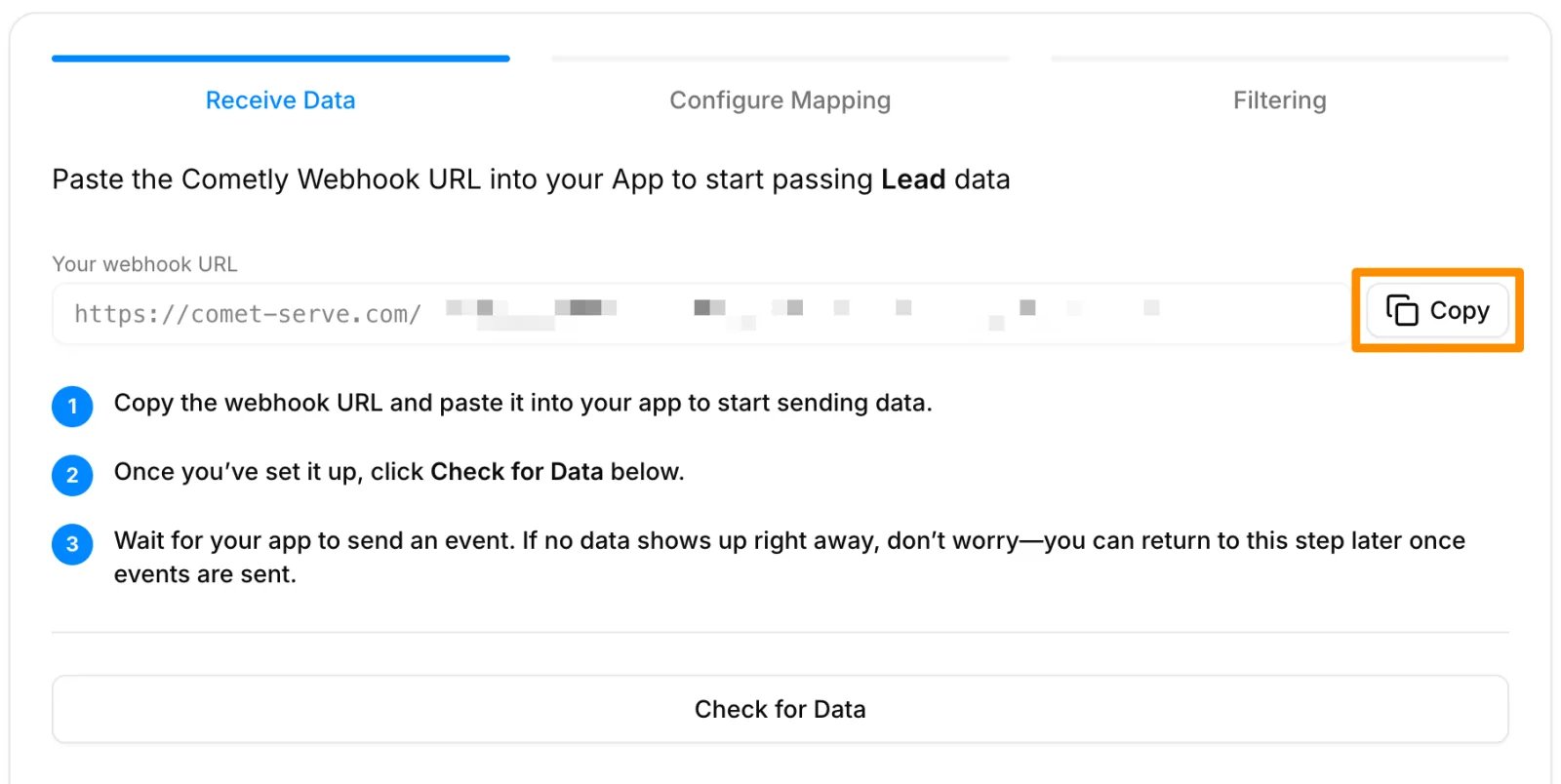
- Click Copy next to Your webhook URL.
2
Add the webhook URL in Wix
Follow Wix’s official instructions: Sending data via webhook.When you reach the step that asks for the webhook URL, paste the Cometly webhook URL you copied.
3
Map the data in Cometly
Once Wix has sent a form submission to the webhook, go back to Cometly and finish the event. The webhooks guide has detailed instructions on:
- Checking for data and selecting a record
- Mapping the webhook data to the appropriate fields in Cometly
- Setting up filters so only the data you want is tracked
Check it worked
In Events Manager, your webhook event shows a switch that is turned on in the Status column once you activate it. Submit your Wix form again, then open the Events Log tab: the event appears there within 60 seconds, with SUCCESS in the Details column.Frequently asked questions
Does Cometly have a direct integration with Wix?
Wix connects to Cometly through a webhook, not a built-in connection. You create a webhook event in Cometly, paste its URL into a Wix automation, and each form submission is sent to Cometly as that event. If you would rather build the connection as a Zap, you can use Zapier instead.How long does it take for a Wix form submission to show up in Cometly?
The event shows in the Events Log within 60 seconds of being sent. It can take up to 15 minutes to appear in the reporting areas, such as the Report Builder or Ads Manager.Why is my Wix test submission missing from my Cometly reports?
Test data sent before the webhook event was activated is not processed and does not appear in your reports. Activate the event, then send a new form submission from Wix and check the Events Log.Next steps
- Map, filter and activate your webhook event
- Use the Events Log to check incoming events
- Install the Cometly pixel
- Learn how events work in Cometly
- Send events to Cometly with Zapier