

- In the Ads Manager, with the Attribution model and Attribution window selectors above the table.
- In the Report Builder, in the Attribution section of the Report tab.
- On a dashboard, with the Attribution Model and Attribution Window Quick Filters.
What is attribution modeling?
Attribution modeling is a way to split credit between the ads and marketing channels a customer interacts with on the way to a conversion. It helps you:- Evaluate channel performance: see which channels drive the most sales.
- Allocate budget: put your spend where it works best.
Attribution models
An attribution model decides how credit for a conversion is assigned to the touchpoints in the customer journey. Cometly has eight models:- First Touch
- Last Touch
- Last Non-Direct Touch
- Last Touch - Source Specific
- First Touch - Source Specific
- Linear
- Linear Paid
- U-Shaped
First Touch
Gives 100% of the credit to the first click before the conversion.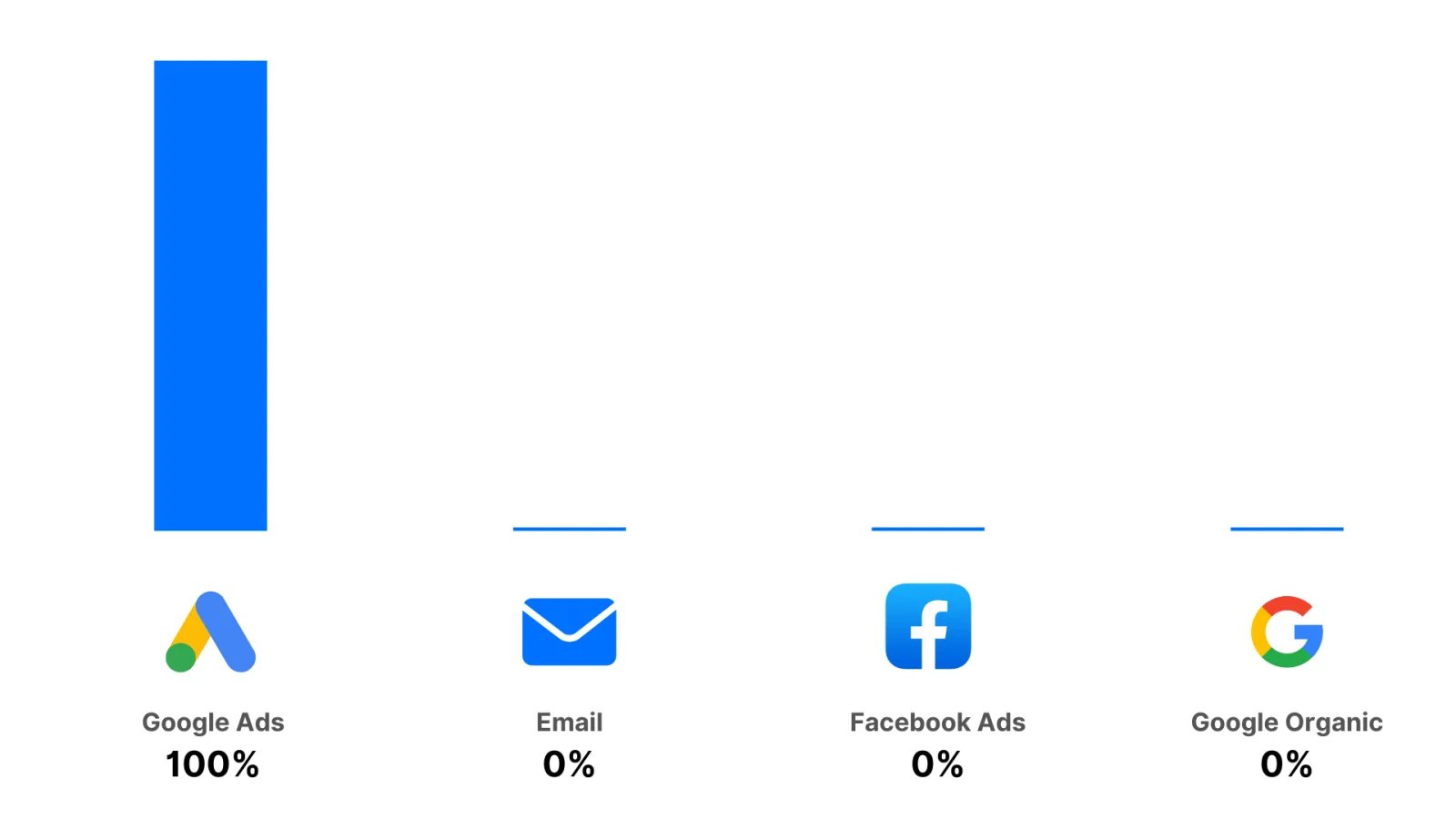
Last Touch
Gives 100% of the credit to the last click before the conversion.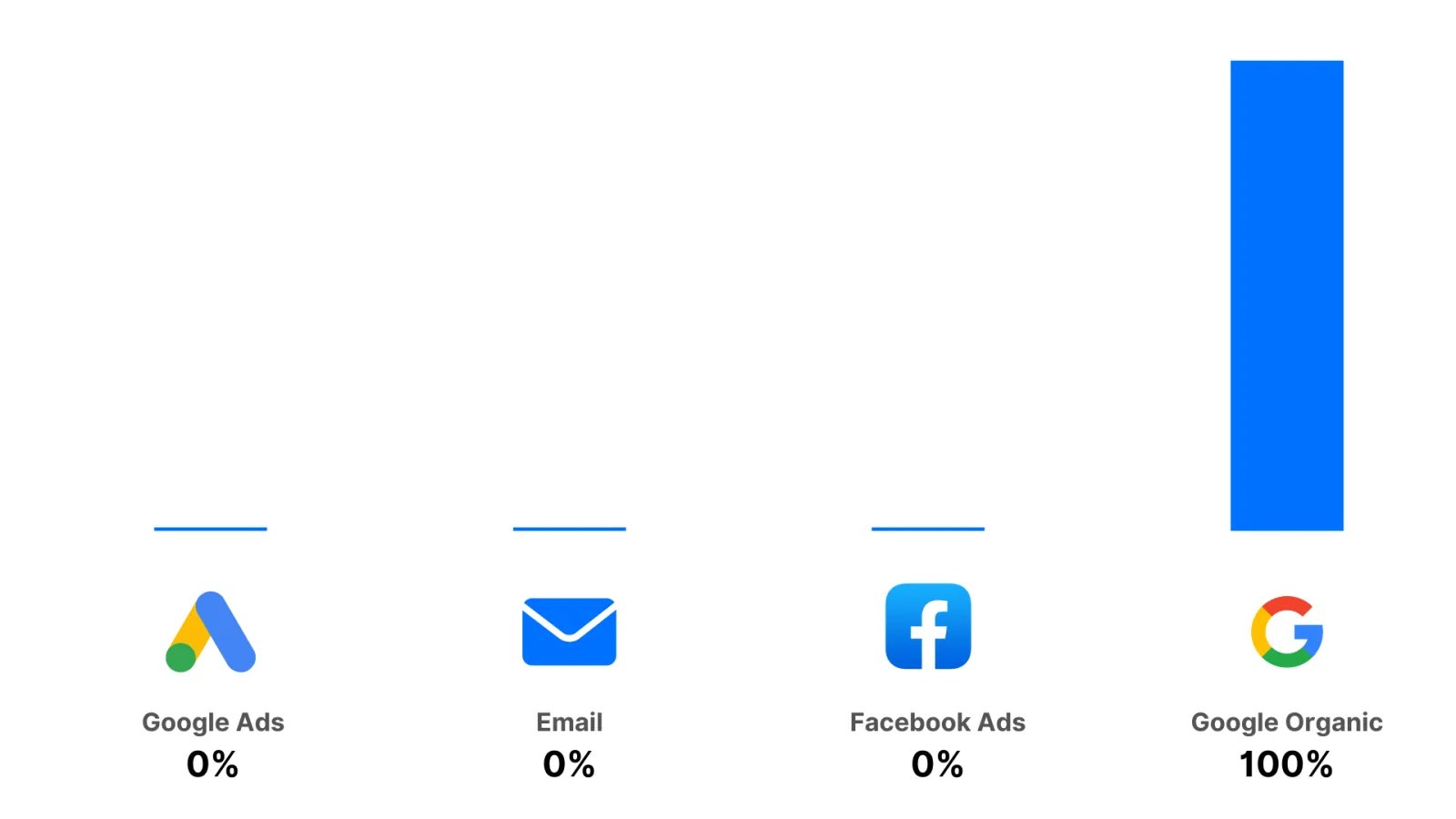
Last Non-Direct Touch
Gives 100% of the credit to the last click before the conversion, excluding direct visits.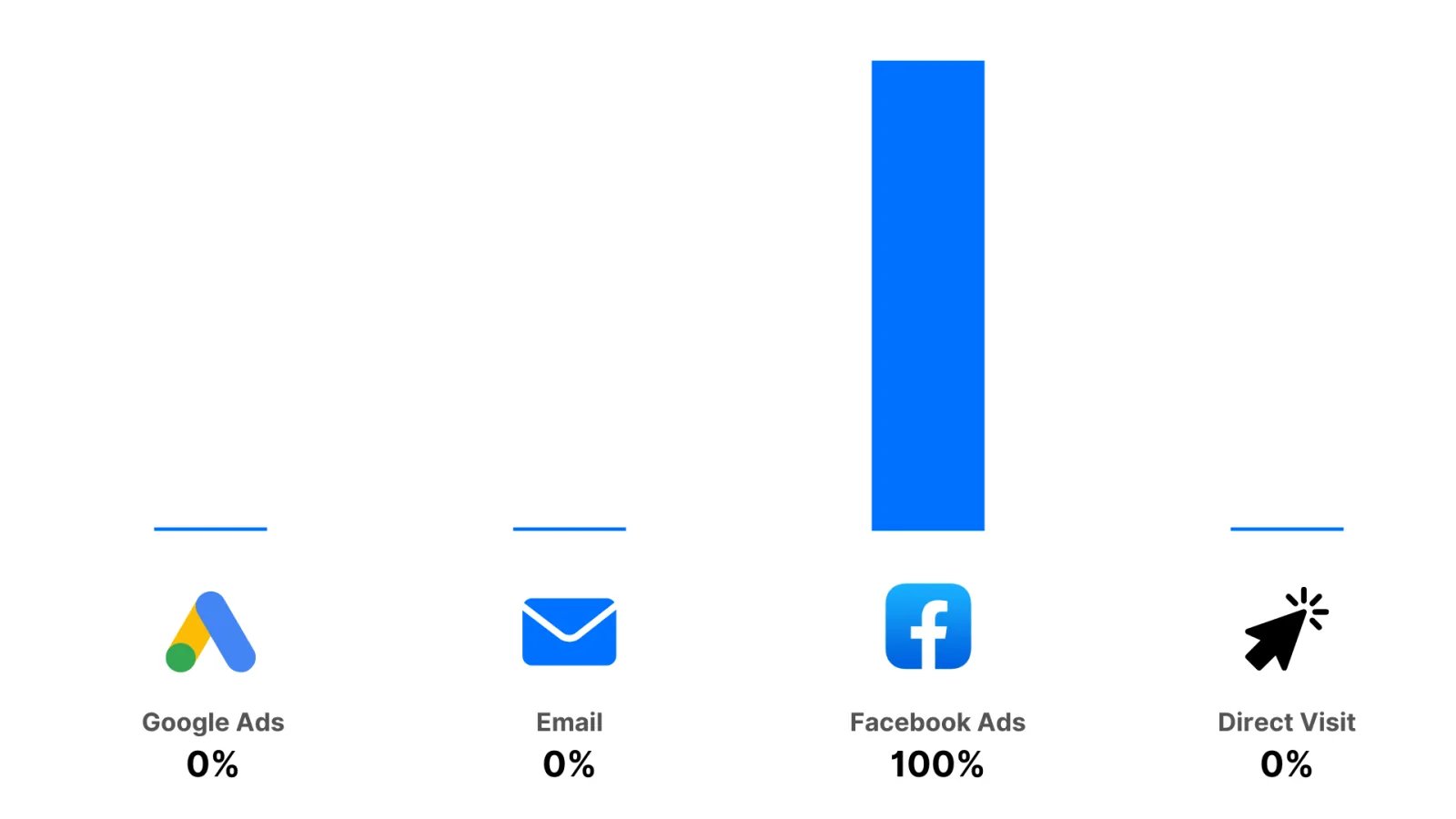
What is source-specific attribution?
Source-specific attribution lets you isolate one or more marketing sources and apply the attribution logic only to those sources, ignoring every other touchpoint in the journey. Instead of looking at every ad and click a customer engaged with, you choose which sources you care about (such as Facebook Ads, Google Ads, Email or Organic). Cometly then applies First Touch or Last Touch logic to those touchpoints only. First Touch - Source Specific and Last Touch - Source Specific are the recommended models when you are in the Ads Manager analyzing one ad channel at a time. The Ads Manager uses Last Touch - Source Specific until you pick another model.Last Touch - Source Specific
Gives 100% of the credit to the last touchpoint from your selected sources, ignoring all other sources. How it works: Cometly filters the customer journey down to the touchpoints from the sources you select (for example Facebook Ads, Google Ads or Email), then applies last touch attribution to what is left. Example journey:- Day 1: Facebook Ad 1
- Day 2: Google Ad 1
- Day 3: Email
- Day 4: Google Organic
- Day 5: Facebook Ad 2
- Day 6: Google Ad 2
- Day 7: Purchase
- Facebook Ads selected: credit goes to Facebook Ad 2 on Day 5.
- Email and Google Organic selected: credit goes to Google Organic on Day 4.
- In the Ads Manager, the sources are set for you: they are the sources of the ad account you are viewing (for a Meta ad account, Facebook and Instagram Ads).
- In the Report Builder, you select the sources to isolate yourself (for example Facebook and Google, or Email only).
First Touch - Source Specific
Gives 100% of the credit to the first touchpoint from your selected sources, ignoring all others. How it works: Cometly filters the customer journey down to the touchpoints from the sources you select, then applies first touch attribution to what is left. Example journey:- Day 1: Facebook Ad 1
- Day 2: Google Ad 1
- Day 3: Email
- Day 4: Google Organic
- Day 5: Facebook Ad 2
- Day 6: Google Ad 2
- Day 7: Purchase
- Facebook Ads selected: credit goes to Facebook Ad 1 on Day 1.
- Email and Google Organic selected: credit goes to Email on Day 3.
- In the Ads Manager, the sources are the sources of the ad account you are viewing (for a Meta ad account, Facebook and Instagram Ads only).
- In the Report Builder, you choose which sources to include.
Linear
Splits credit equally across all touchpoints.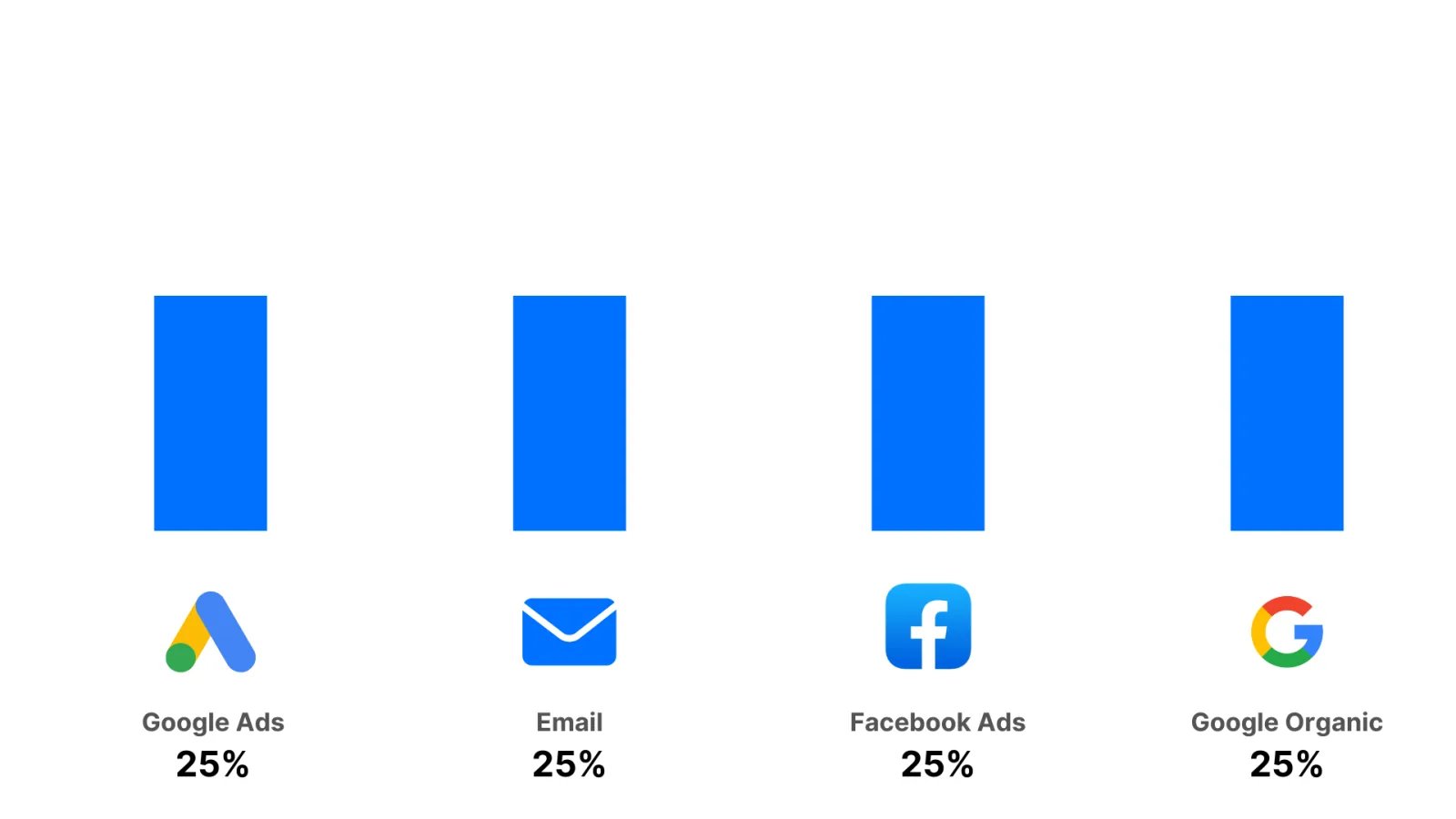
Linear Paid
Splits credit equally across all paid sources.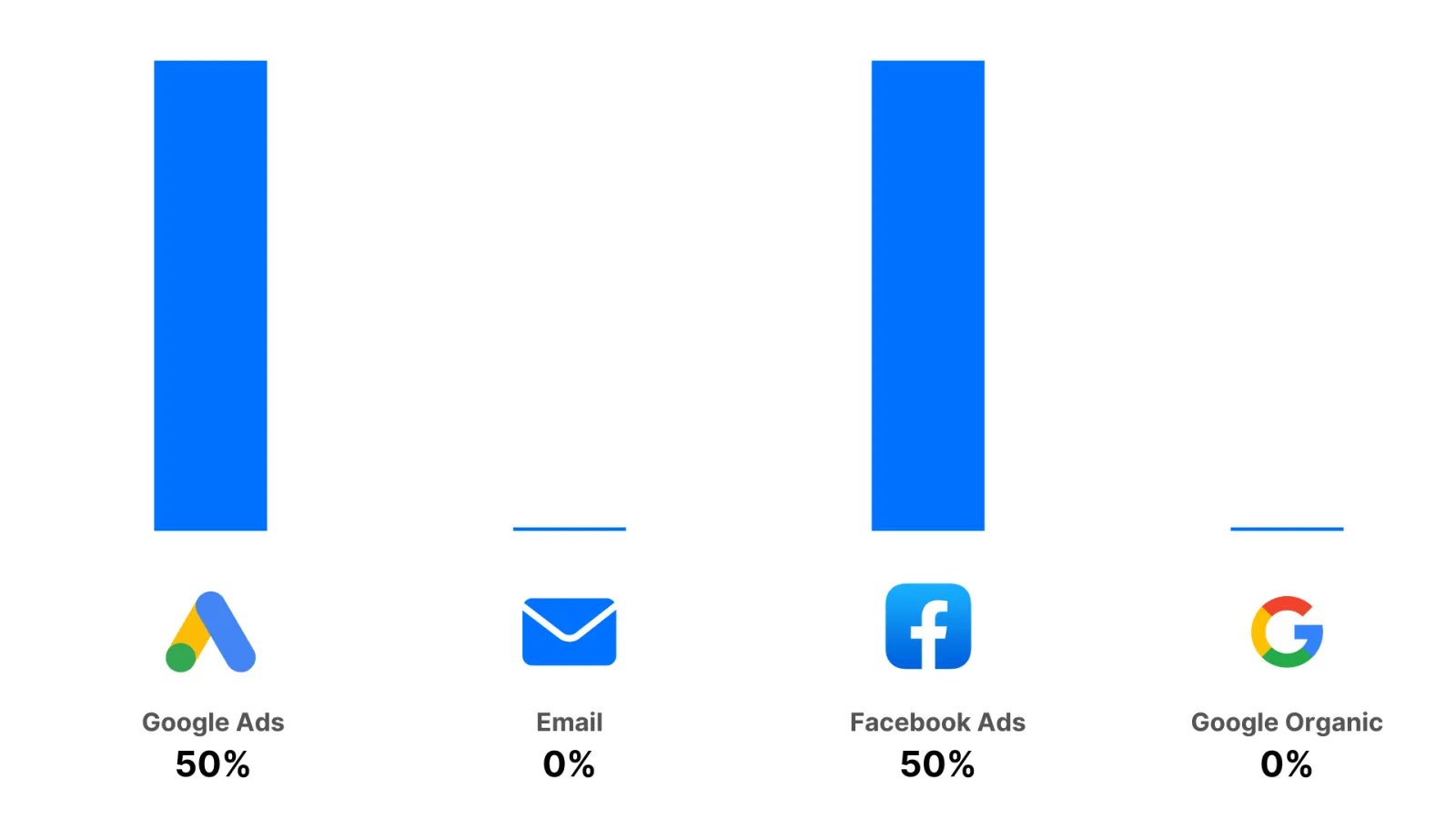
U-Shaped
U-Shaped attribution gives more credit to the first and last touchpoints than to the ones in the middle of the journey. The first touchpoint and the last touchpoint each get 40% of the credit. The remaining 20% is split equally among all other touchpoints.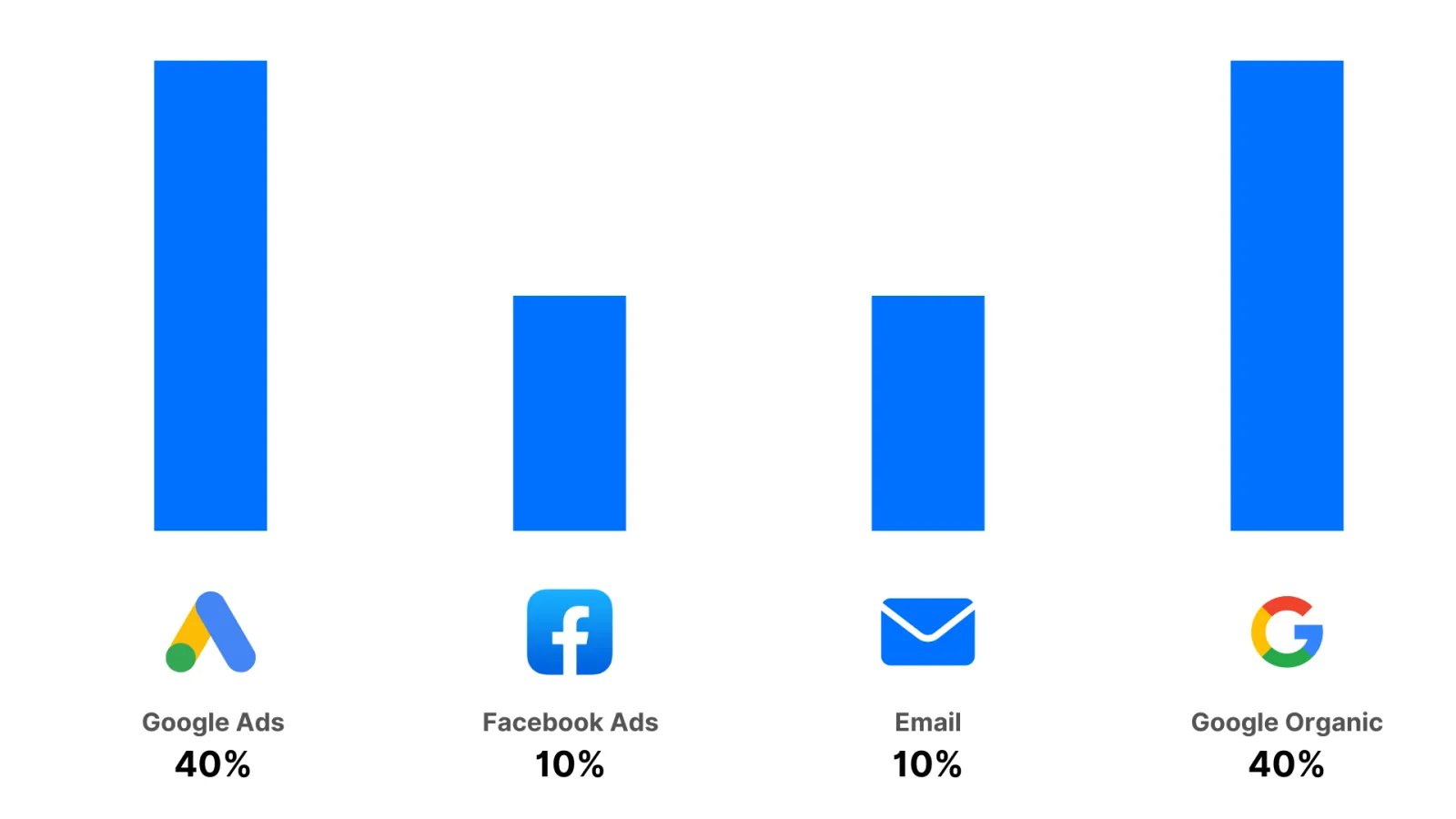
Attribution windows
An attribution window is how far back before a conversion a touchpoint (such as an ad click) can sit and still get credit for it. Choosing the right attribution window matters because it changes how your marketing is evaluated.Why attribution windows matter
Different businesses need different windows:- Short sales cycles: for businesses with quick purchase decisions, such as e-commerce, crediting an ad from weeks ago may not be relevant.
- Long sales cycles: for high-ticket or B2B products, which often involve research and many touchpoints, a longer window captures the full customer journey.
Attribution window options
- 1 Day: credits touchpoints up to 1 day before the conversion.
- 7 Days: credits touchpoints up to 7 days before the conversion.
- 14 Days: credits touchpoints up to 14 days before the conversion.
- 28 Days: credits touchpoints up to 28 days before the conversion.
- 30 Days: credits touchpoints up to 30 days before the conversion.
- 60 Days: credits touchpoints up to 60 days before the conversion.
- 90 Days: credits touchpoints up to 90 days before the conversion.
- LTV (lifetime): no limit. Credits the whole customer journey, however long it takes. This is the default.
How to choose the right attribution window
- 1 Day or 7 Days: fast-moving businesses, such as e-commerce, where conversions usually happen soon after an ad interaction.
- 14 Days, 28 Days or 30 Days: moderate sales cycles, where customers need some time to consider before buying.
- 60 Days, 90 Days or LTV: longer sales cycles, such as high-ticket items or B2B sales, where many touchpoints and research are common.
How windows and models work together
The attribution window defines which touchpoints are eligible for credit. The attribution model defines how credit is split between them. For example:- Last Touch with a 7 Days window credits the last click within 7 days of the conversion.
- Linear with a 30 Days window splits credit across all touchpoints within 30 days of the conversion.
Example scenarios
- 1 Day window: a user clicks an ad today and converts three days later. Credit is not given, because the click is outside the 1-day window.
- 30 Days window: a user clicks an ad today and converts 10 days later. Credit is given, because the click is within the 30-day window.
- LTV window: a user clicks an ad today and converts 6 months later. Credit is still given, because the whole customer journey counts.
Frequently asked questions
Why does Cometly show fewer conversions than Meta Ads Manager?
Meta includes view-through conversions, which count people who saw your ad without clicking it. Cometly uses click-based attribution, so it only credits an ad when the person clicked it. See Why Cometly attribution differs from Meta Ads Manager for how to compare the two.What is the difference between Conversion Date and Click Date?
They are the two options of the Attribute By setting in the Report Builder. Conversion Date shows the conversions that happened in your date range, whenever the click was. Click Date shows the conversions that came from clicks in your date range, whenever the conversion happened. Conversion Date is the default.Can I use the same attribution model on every report on a dashboard?
Yes. Add the Attribution Model or Attribution Window Quick Filter to the dashboard, and every report on it is shown with that setting. Quick Filters never change the individual reports, and Clear All restores each report’s own settings. See Quick Filters.Next steps
- Build a report in the Report Builder and set its attribution model and window.
- Use the Ads Manager to compare campaigns, ad sets and ads under the model you choose.
- Apply Quick Filters to a dashboard to view every report with one model or window.
- Why Cometly attribution differs from Meta Ads Manager