

Why Google sign-in causes this problem
When you click Sign in with Microsoft in Cometly, it starts a standard Microsoft login process (called OAuth). This process requires your account to be registered in Microsoft’s identity system, Entra ID (formerly Azure Active Directory). When you sign up for Microsoft Ads using your Google account, Microsoft creates your ad account, but your identity lives with Google, not with Microsoft Entra ID. So when Cometly asks Microsoft to authenticate you, Microsoft does not have the credentials it needs to complete the connection, and it fails. This is a Microsoft account setup issue, not a Cometly bug. The fix is getting your identity registered on the Microsoft side.Creating a new Microsoft account or logging in to ads.microsoft.com first does not fix this on its own. The account you connect with must be registered in Azure. It is free and only takes a few minutes.
How to fix it
1
Invite yourself as a new admin in Microsoft Ads
- Sign in to Microsoft Ads at ads.microsoft.com using your usual Google sign-in.
- Go to Tools > Account Access.
- Click Invite User.
- Enter a different email address (any email you have access to).
- Set the role to Super Admin.
- Send the invite.
2
Accept the invite and create your Microsoft login
- Go to your inbox and open the invitation email from Microsoft Ads.
- Click to accept the invite.
- Microsoft prompts you to create a Microsoft account if you do not already have one tied to that email. Follow the prompts to set up a username and password.
3
Register in Azure
- Go to portal.azure.com.
-
Sign in with the Microsoft login you just created.
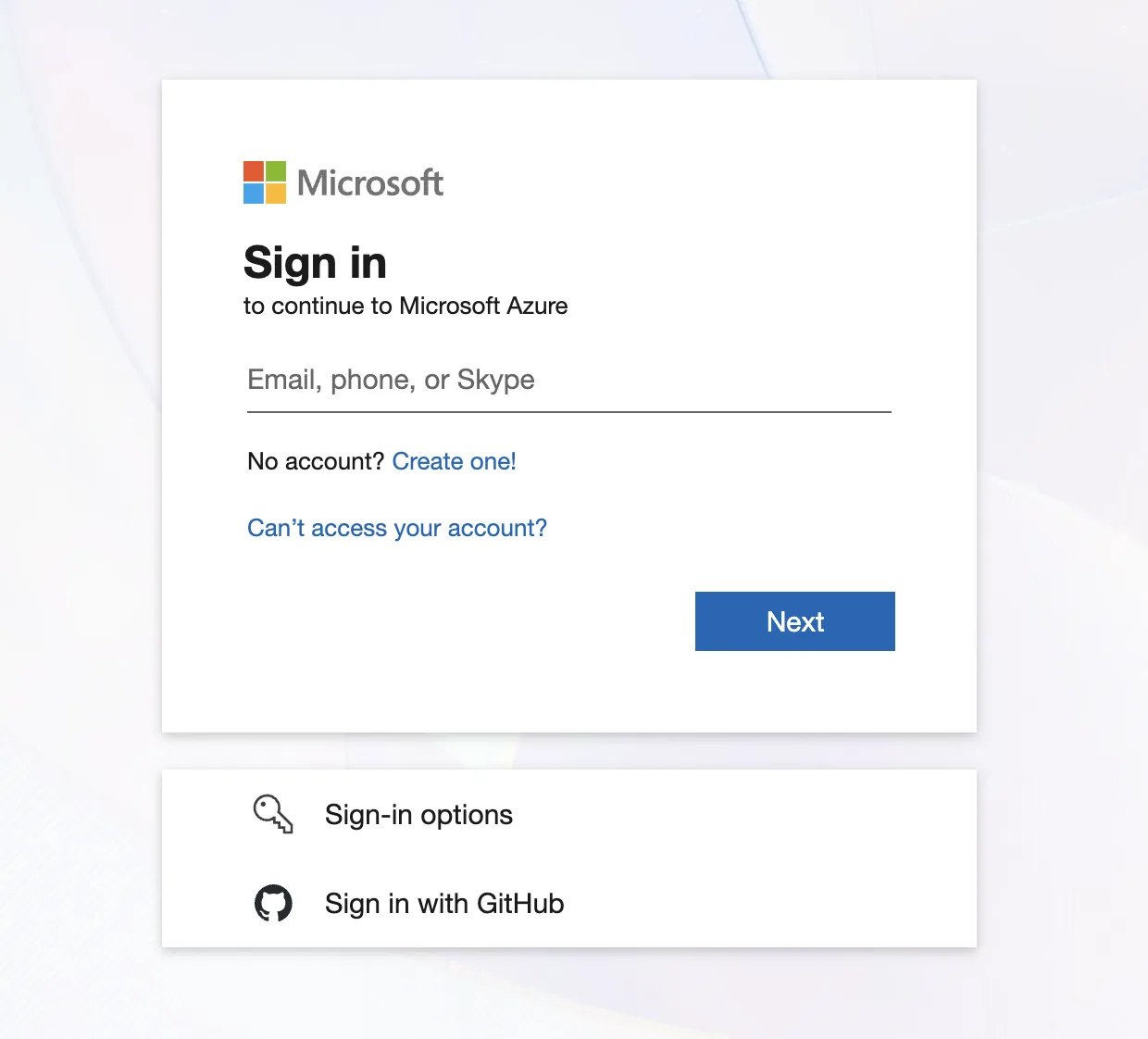
- Complete the free Azure account setup.
- Navigate to Microsoft Entra ID (direct link) and confirm your account is registered.
4
Connect in Cometly
- In the same browser, make sure you are signed in to Microsoft Ads at ads.microsoft.com with your new Microsoft login.
- Without closing that browser, go to Cometly and open Integrations. Under Ad Platforms, expand Microsoft Ads and click Sign in with Microsoft.
- Microsoft should detect your active session and prompt you to authorize access without needing to sign in again.
Confirm Microsoft Ads is connected
When the sign-in goes through, the Microsoft window shows Microsoft profile connected successfully. Click Done to close it. The Microsoft Ads row then expands, and the Ad Accounts table lists the accounts your new Microsoft login can access.Frequently asked questions
What do I do after Microsoft Ads connects to Cometly?
Connect each ad account to a space (a workspace inside your Cometly account). In the Ad Accounts table, click Connect & Sync Data next to the account. Your active Microsoft campaigns start to appear in the Ads Manager within 30 to 60 minutes.What does “Need admin approval” mean when I connect Microsoft Ads?
It is a different problem from the Google sign-in one. Your organization restricts third-party apps, so a Microsoft admin has to approve Cometly once. See Microsoft Advertising connection troubleshooting.What access does Cometly ask for in Microsoft Ads?
Cometly requests two permissions: offline access, to keep the connection active, and permission to manage your Microsoft Advertising account. It uses them to sync your ad data for reporting and attribution, to apply the changes you make yourself in the Ads Manager, and to send conversions to Microsoft if you turn that on.Next steps
- Connect your Microsoft Ads accounts to a space and add Cometly’s URL parameters.
- Configure the Microsoft Ads Conversion API to send your conversions back to Microsoft.
- Check why ad data is not syncing if the account is connected but no data appears.
- Contact support if the sign-in still fails. Include the email address you use to sign in to Microsoft Ads, whether your account uses Google sign-in, GoDaddy or another third-party login, and a screenshot of what you see when you try to connect.