

To disconnect your Google profile inside Cometly instead, open Integrations, expand Google Ads under Ad Platforms and click Disconnect. See Disconnect an ad platform.
Remove Cometly access from Google Ads in your Google Account
1
Open your Google Account
Log in to your Google account. In the top right, click your profile photo, then click Manage your Google Account.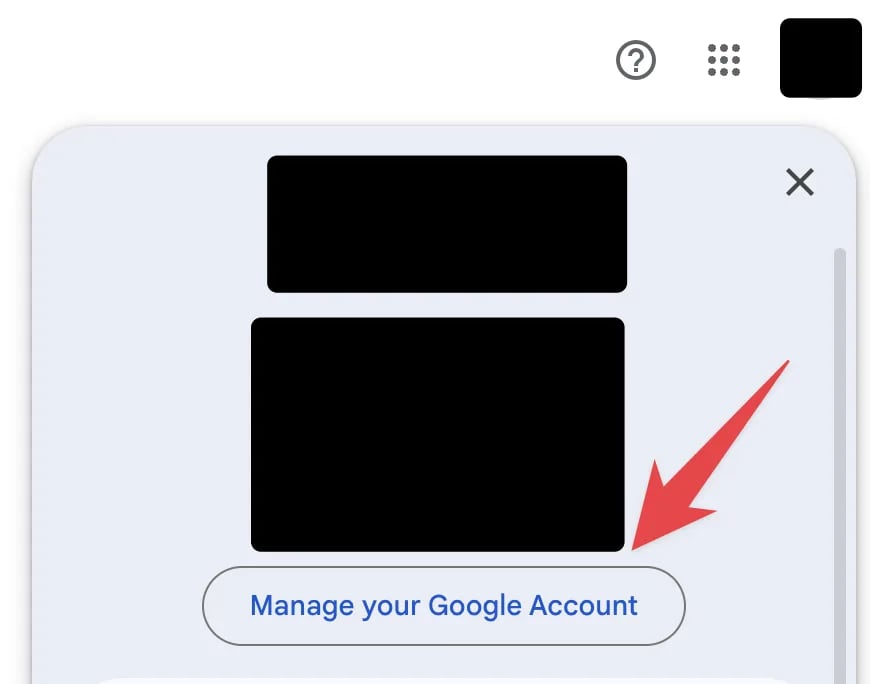
2
Click Data & privacy
Click Data & privacy in the left navigation menu.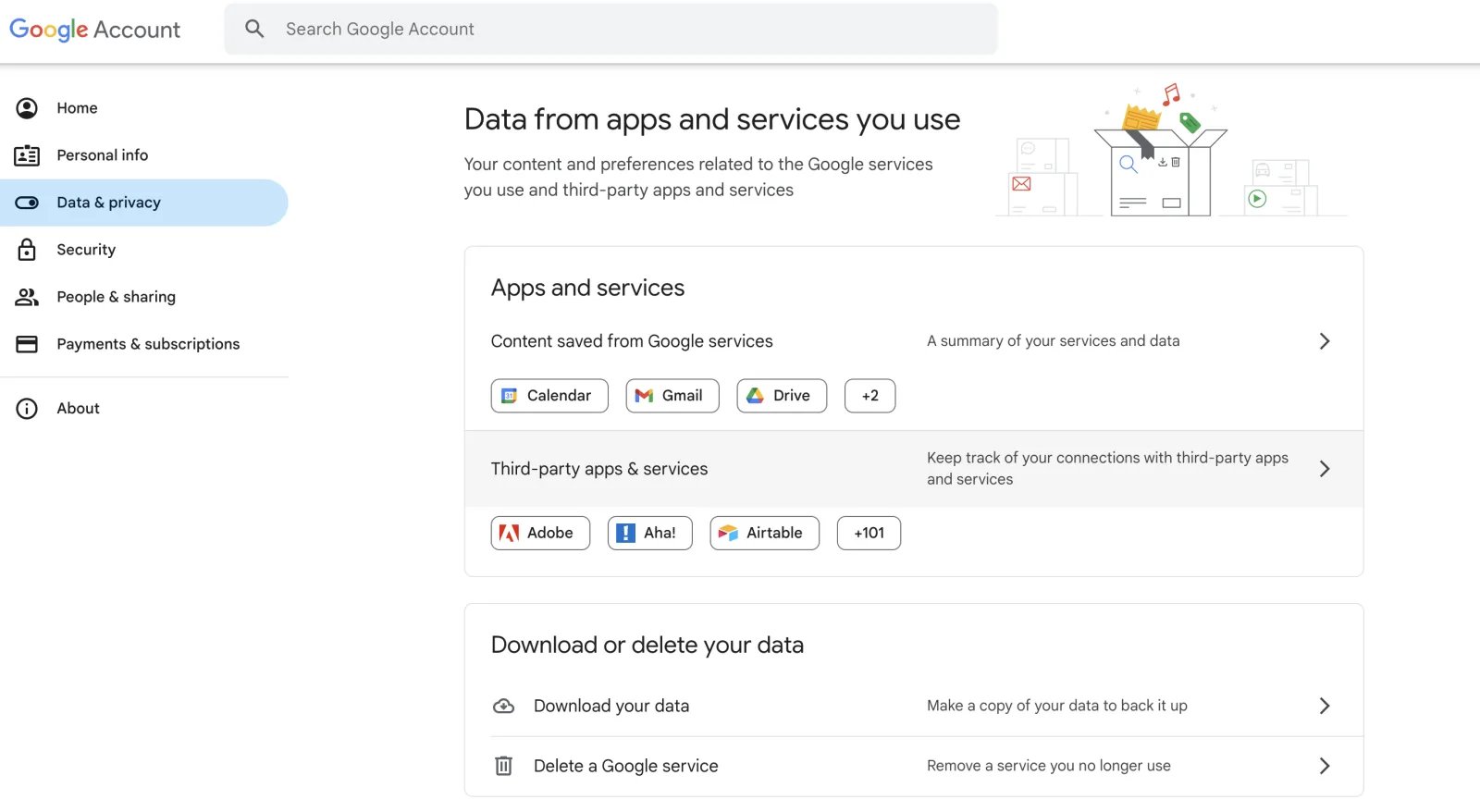
3
Open Third-party apps & services
Scroll down the page to Third-party apps & services and click it.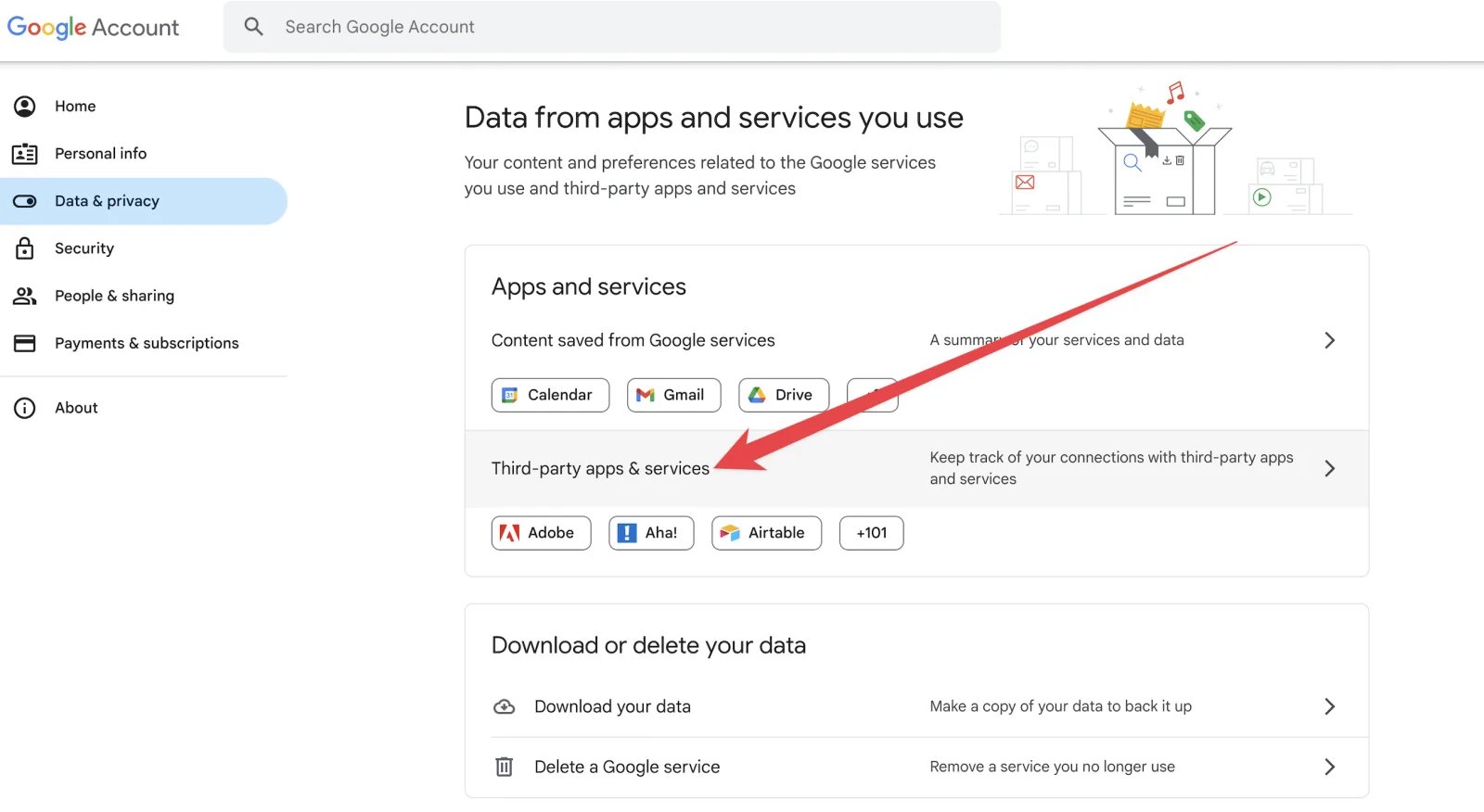
4
Click Cometly
Find Cometly in the list and click it.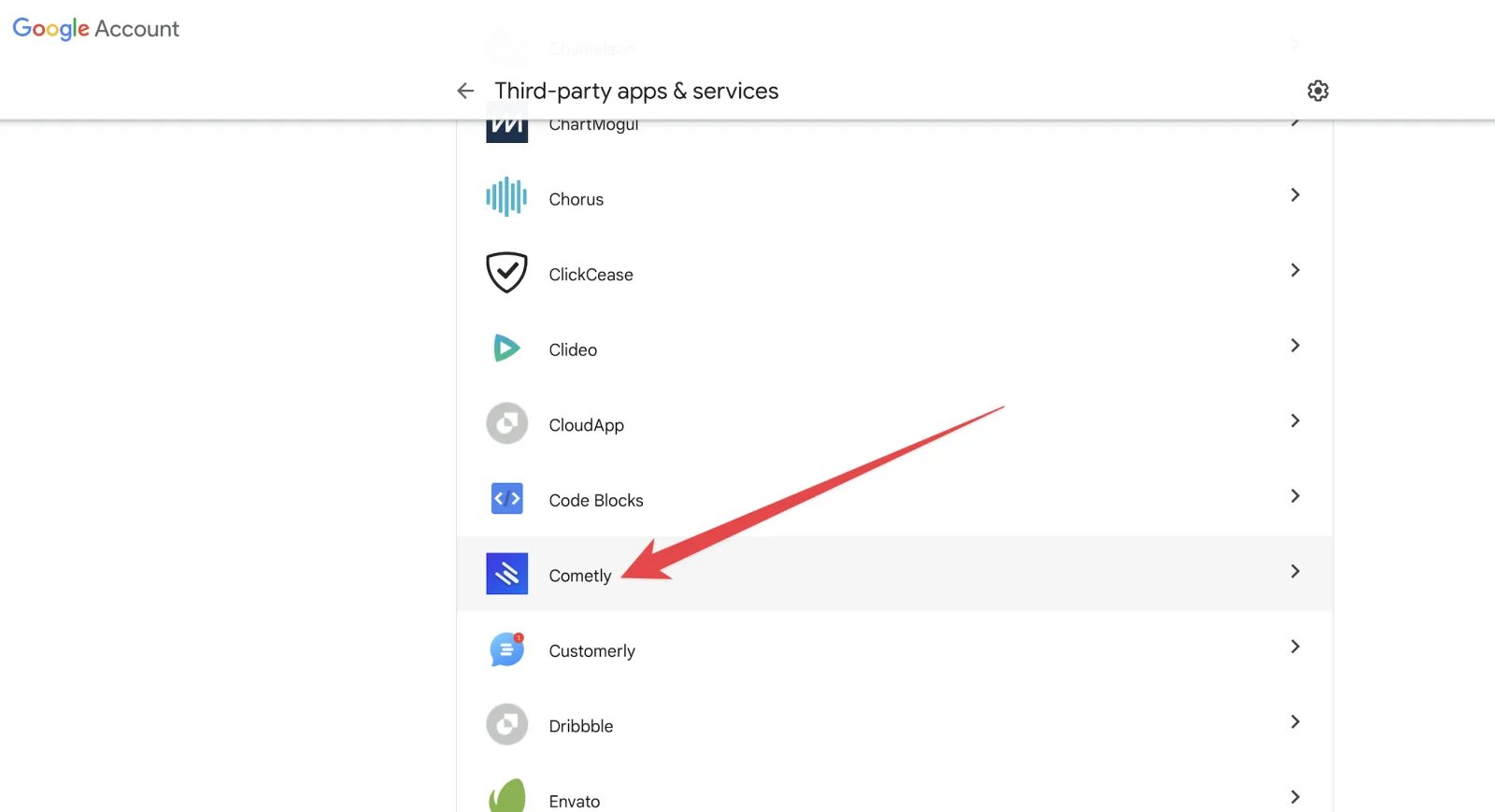
5
Delete the connection
Click Delete all connections you have with Cometly.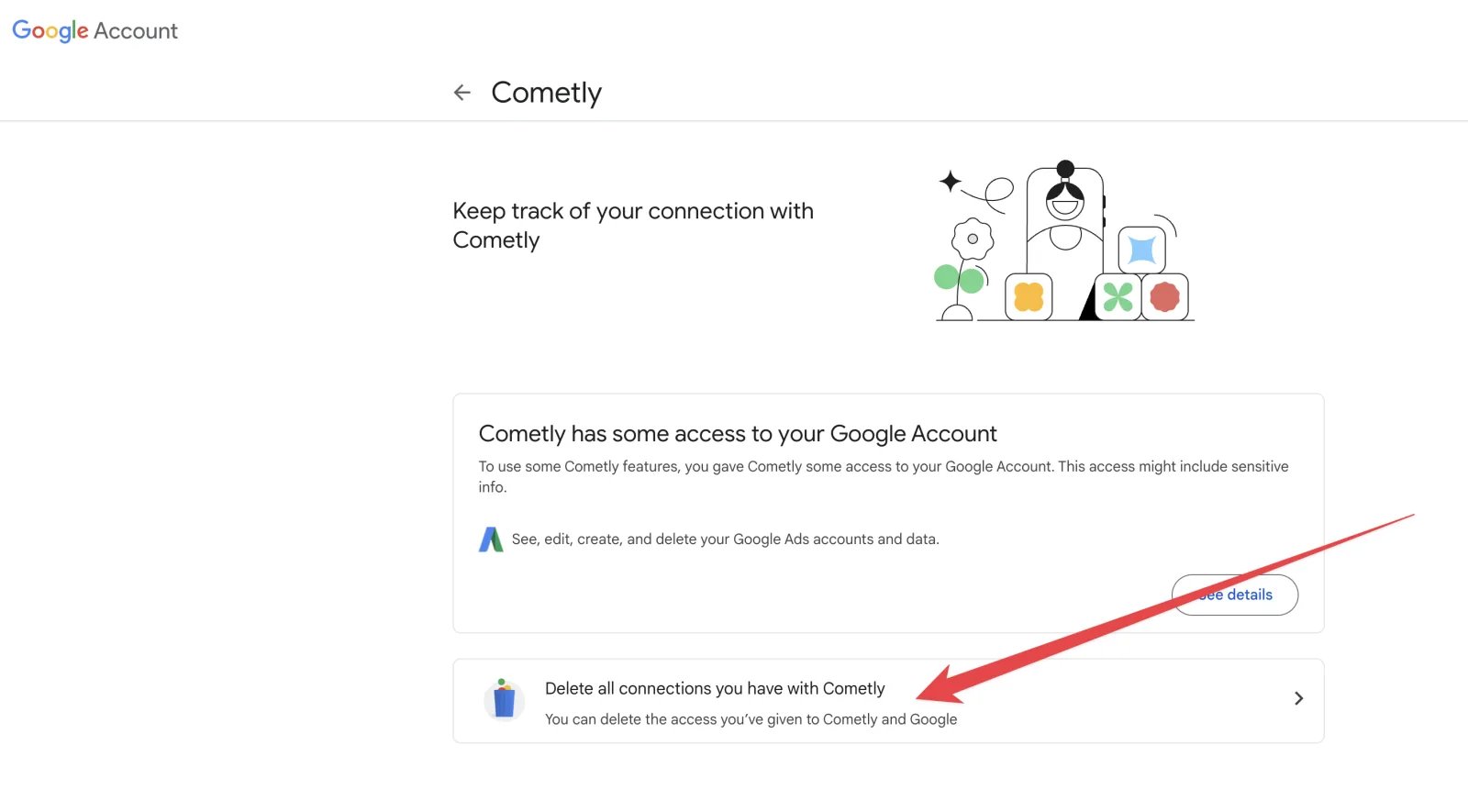
6
Confirm
Click Confirm.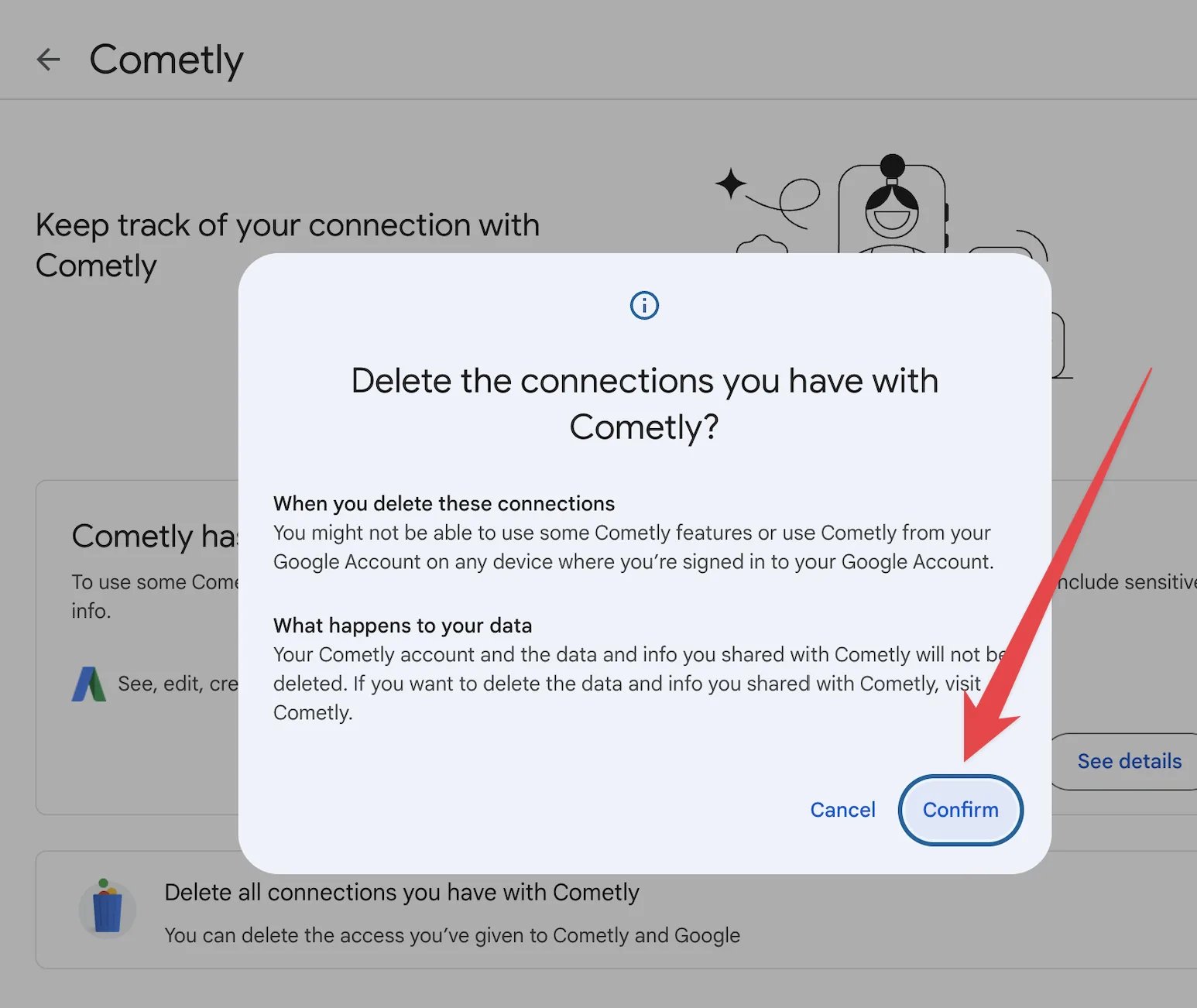
Confirm the access is removed
Go back to Third-party apps & services in your Google Account. Cometly is no longer in the list, which means Cometly can no longer use that Google sign-in to read your Google Ads accounts.Frequently asked questions
Does removing access in Google also disconnect Google Ads in Cometly?
No. These steps only remove the access on Google’s side. To remove your Google profile from Cometly as well, open Integrations, expand Google Ads and click Disconnect. See Disconnect an ad platform.Why did I get an “Action Required: Resync Google Connection” notification after removing access?
Cometly sends that notification, in the space and by email, when Google no longer accepts the sign-in behind a connected ad account. If you removed the access on Google’s side while the ad account was still connected in Cometly, its data can no longer sync. Disconnect Google Ads in Cometly if you meant to stop tracking, or sign in again to keep it.How do I reconnect Google Ads to Cometly after removing access?
On the Integrations page, click Resync on the Google Ads row and sign in with Google again, allowing Cometly to access Google Ads. If you also disconnected your profile in Cometly, connect it again from the start: see Google Ads integration.Next steps
- Disconnect an ad platform connection in Cometly
- Connect Google Ads to Cometly again
- Fix ad data that is not syncing